Hazard awareness • Offline maps • On-device routing
Know what's happening. Know where it's happening. Know how to get out.
Keryx Maps brings hazard awareness, offline maps, preparedness tools and on-device navigation together in one application, so the maps and plans you have prepared stay available when connectivity doesn't.
No credit card required
On Web, Android, iOS, Windows, macOS and Linux. Offline maps and routing are in the native apps.

- Maps you download stay on your device
- On-device routing on 5 native platforms
- One subscription across your devices
- Hazard data from authoritative agencies
- Your GPS coordinates are not sent to our servers
Built for when normal isn't normal.
You already have map and weather apps. Keryx was built for a different job: preparing ahead, and keeping that preparation usable.
Connectivity disappears
Maps you have downloaded, the information stored on your device and on-device routing do not disappear when the network does.
Critical information is scattered
Keryx places hazard information from external sources on the same map you are already using, where it happens.
Plans need to stay usable
Saved places, pins, routes, trips and preparedness notes are more useful when they are on hand without a connection.
One map. A much bigger picture.
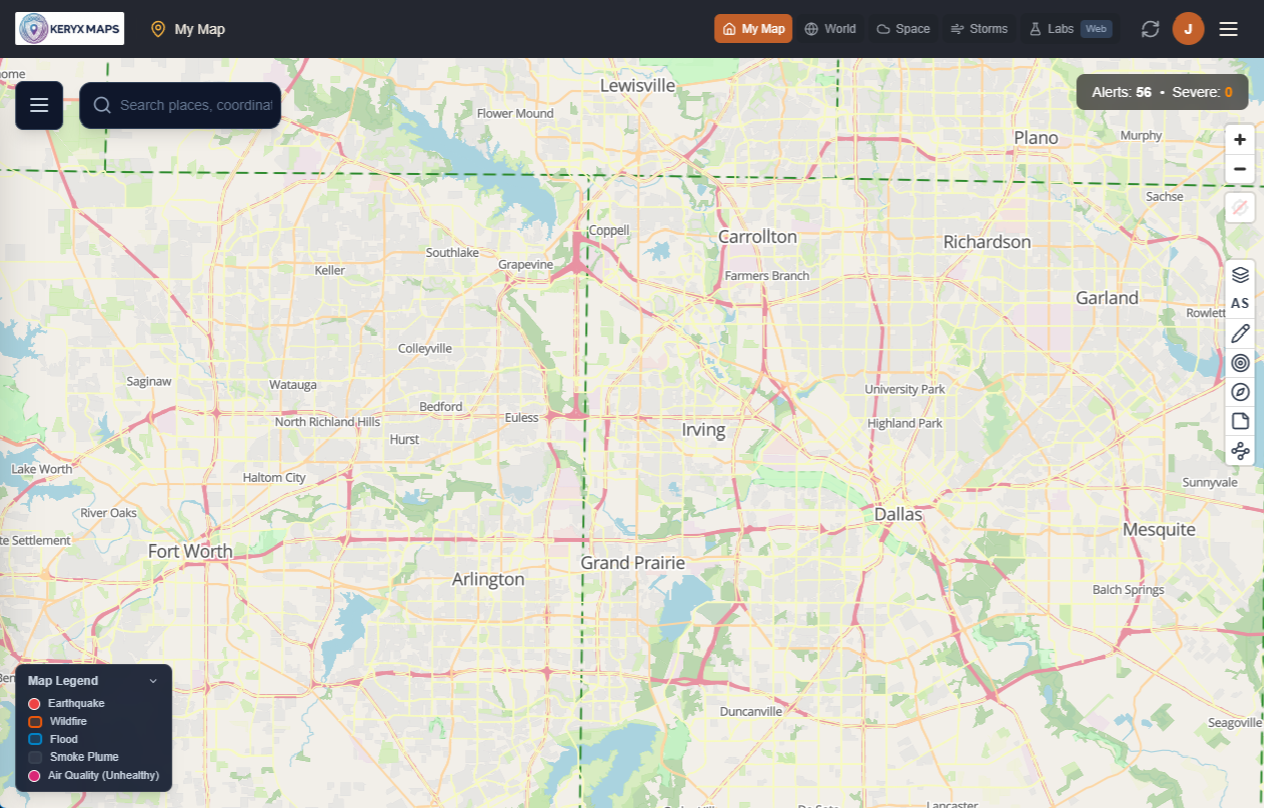
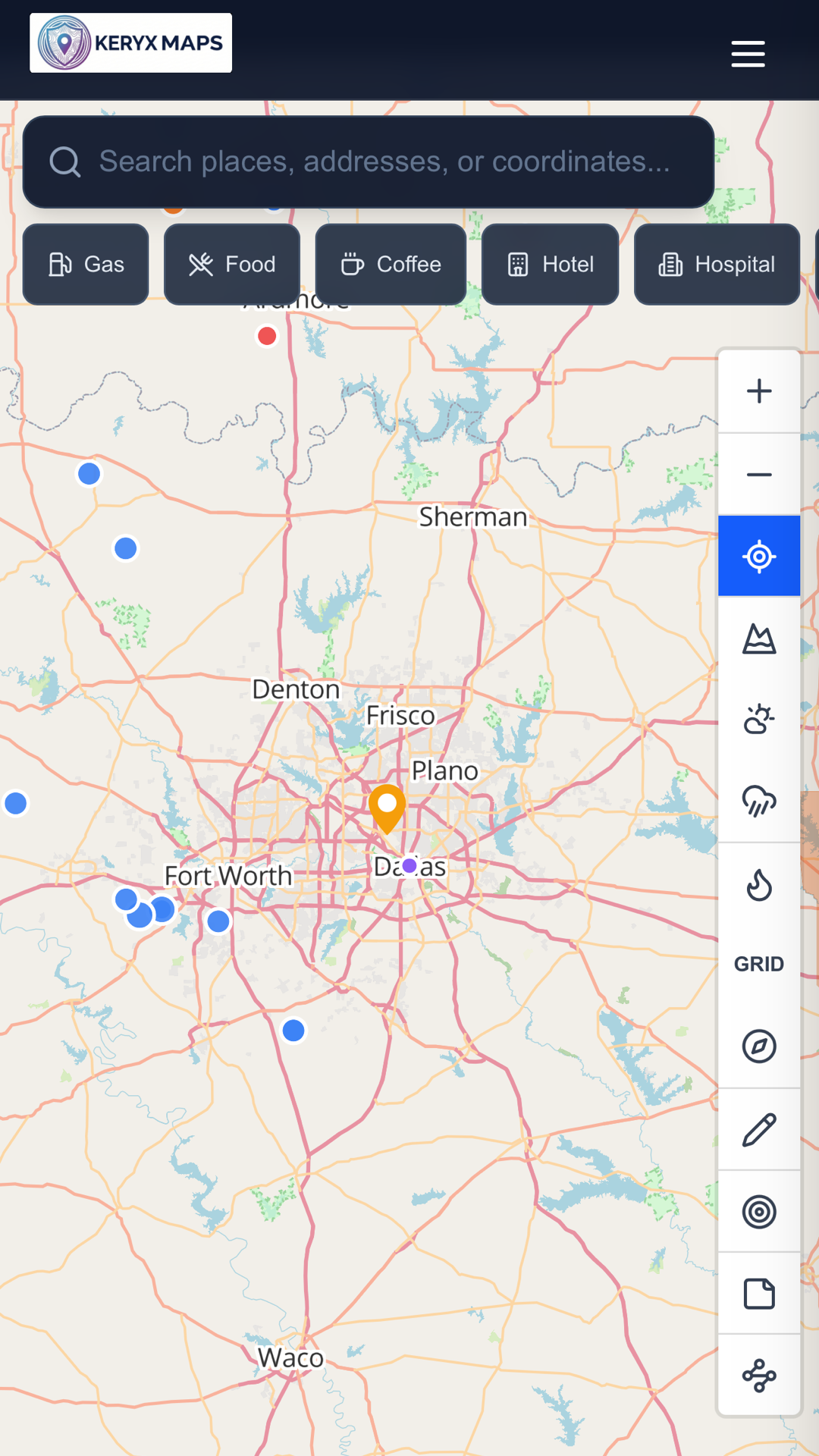
Hazards, your downloaded regions, your saved places and your routes live on one map, so planning and awareness happen in the same place.
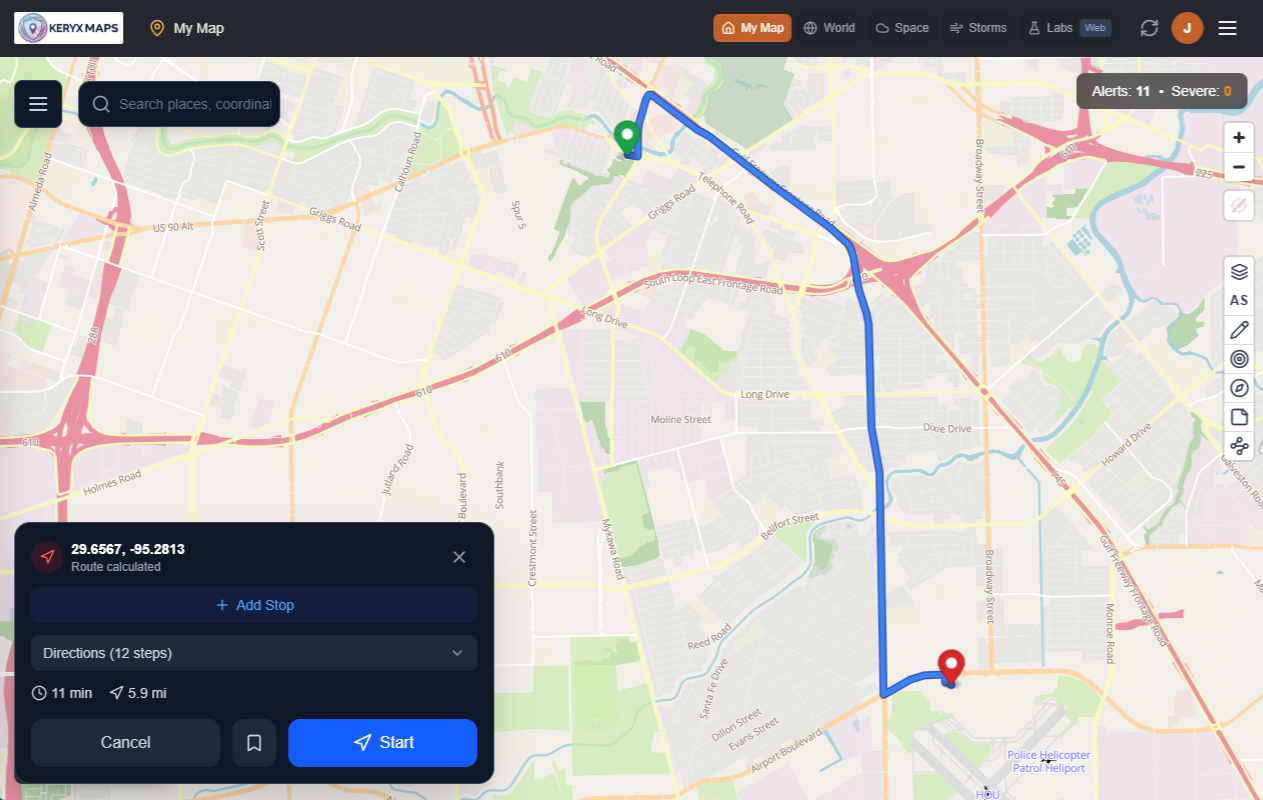
Plan routes and trips
Build routes and multi-stop trips across the regions you have downloaded. Routes are calculated on your device in the Android, iOS, Windows, macOS and Linux apps.
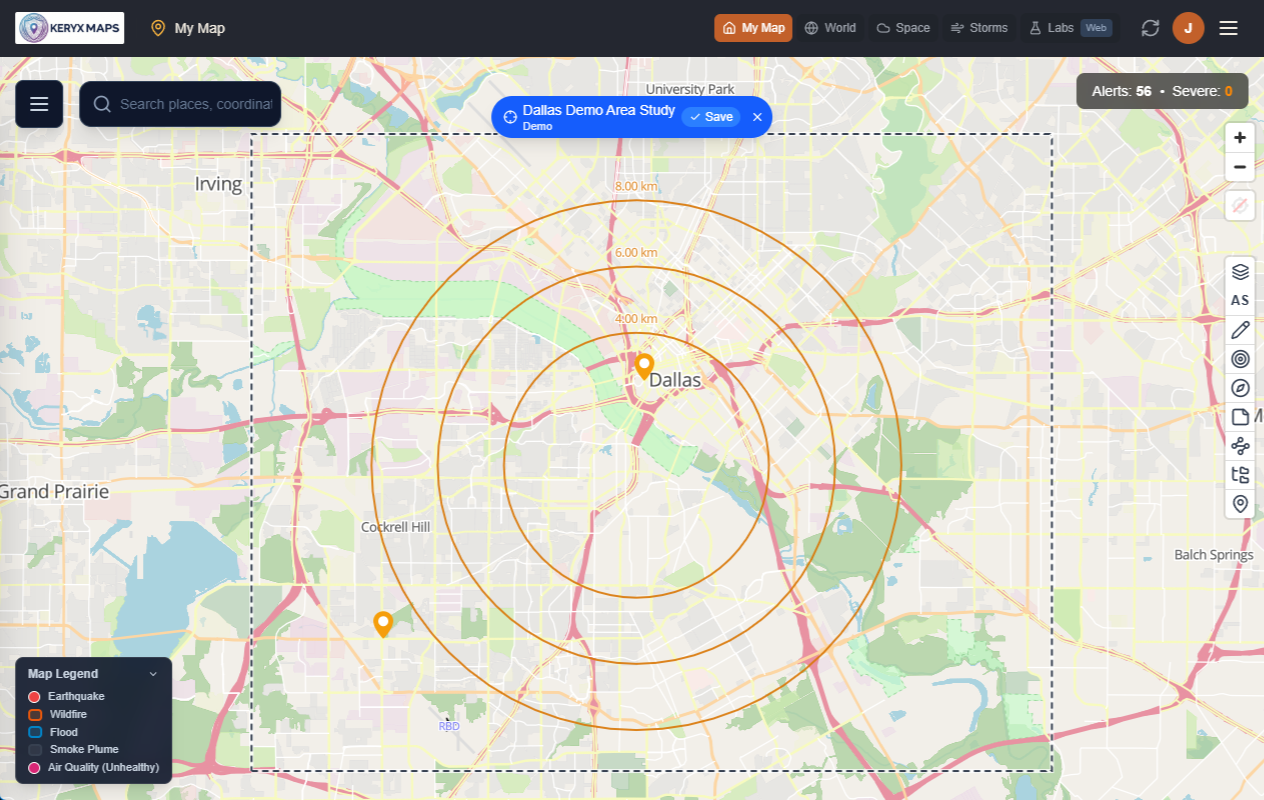
Mark what matters
Pin home, family, meeting points and supply stops, and study an area before you need it.
Want to look around first? Open the demo map
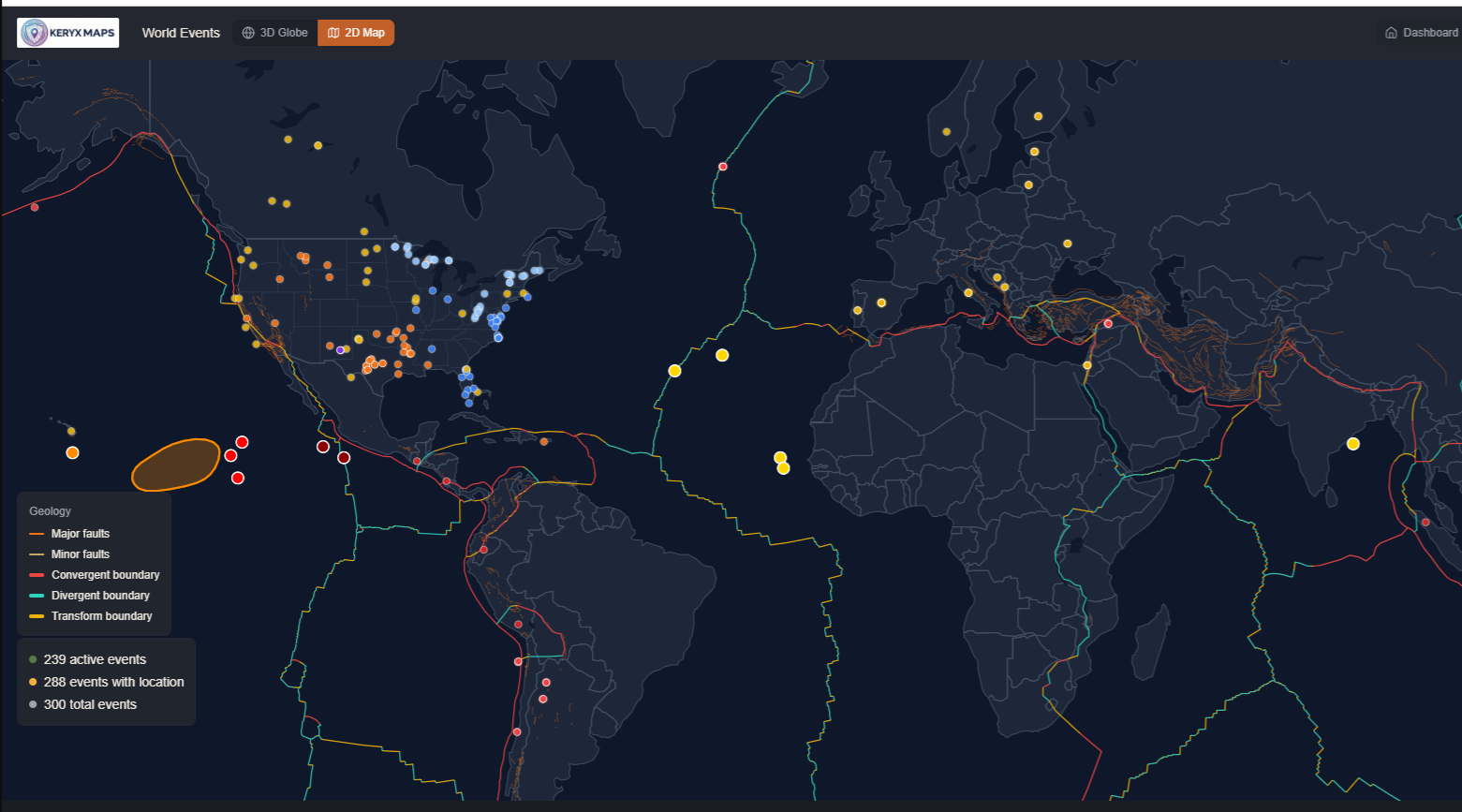
See what is happening around the places that matter to you.
Keryx gathers hazard information published by authoritative agencies and puts it on one map, so you can see what is happening near home, near family, or along the way. Alerts are matched to the map regions you have downloaded.
Keryx does not issue warnings. Always follow instructions from your local officials.
- Earthquakes
- Tsunami
- Volcanoes
- Wildfires and smoke
- Severe weather
- Tropical storms and hurricanes
- Floods and river levels
- Avalanches
- Air quality
- Space weather
Offline resilience
The Internet is useful. Keryx doesn't assume you'll always have it.
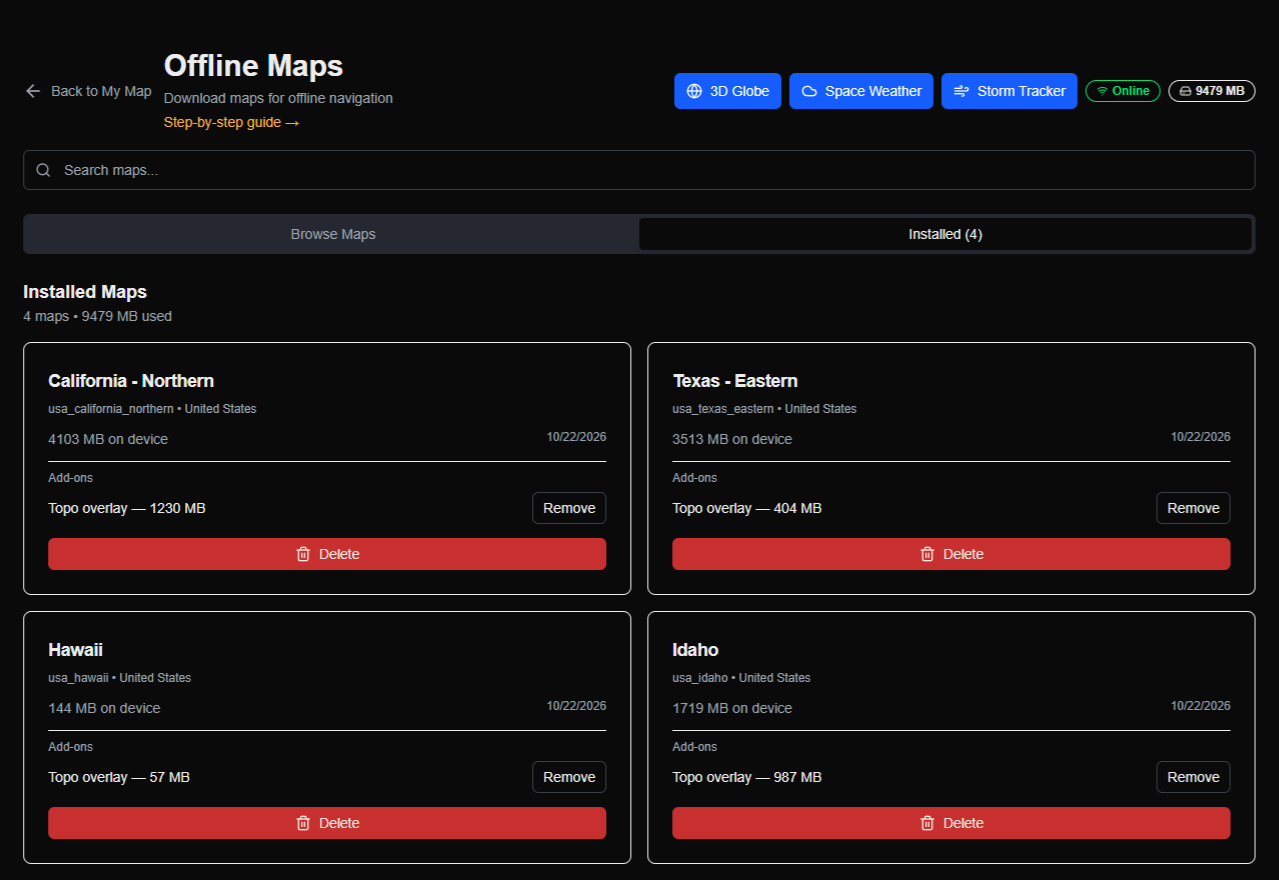
Choose the regions that matter to you — home, family, the roads between — and download them ahead of time in the Android, iOS, Windows, macOS and Linux apps. What you have stored stays usable without a signal. New information still has to reach your device, so that part needs a connection.
Works without a connection
- Maps you have downloaded
- Your saved pins, trips and routes
- On-device routing across downloaded regions
- Preparedness information stored on your device
Needs a connection
- New hazard alerts and event updates
- Downloading more map regions
- Syncing between your devices
In the web app, maps stream from the Internet rather than being stored, and routing is not available.
Prepared before something happens. Useful when it does.
At home
Watch the areas that matter to you, download the map coverage around them and save the places you would go.
On the road
Carry your maps and plans across your devices while you travel, with one subscription.
Off grid
Use downloaded maps, pins, routes and on-device routing where there is no signal.
During an evacuation or disruption
Fall back on the maps and routes you prepared, and pick up new hazard information whenever you have a connection.
Keryx helps you prepare and stay informed. It cannot guarantee a safe route; use your judgement and follow official instructions.
The source matters.
Keryx does not invent hazard information. It gathers what authoritative agencies publish and shows it on the map, so you can see where each piece of information came from.
Sources include
- USGS
- NOAA
- NASA
- EMSC
- NWS
- SWPC
- Environment Canada
- Bureau of Meteorology
- MeteoAlarm
- GeoNet NZ
- FIRMS
- NIFC
See the wider picture.
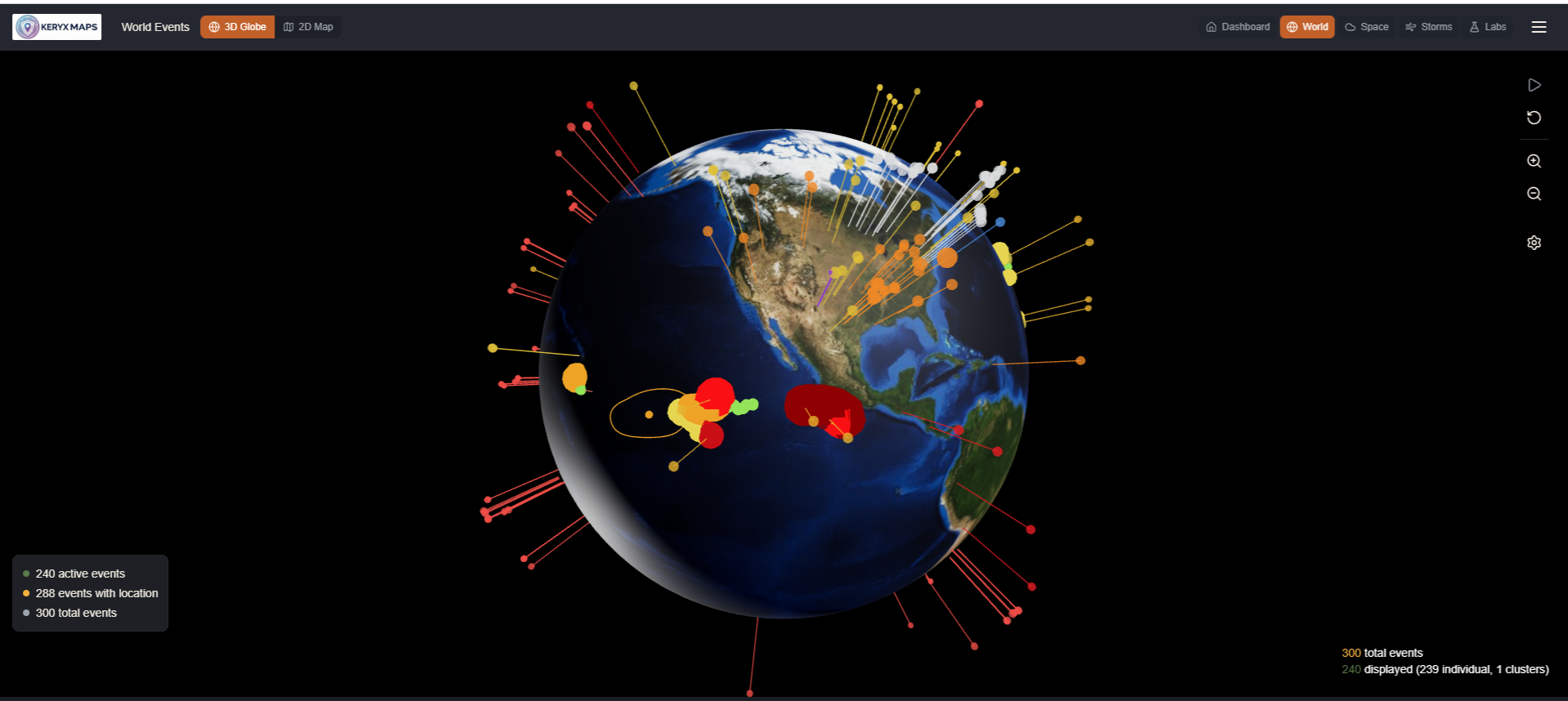
Step back to the 3D globe to see events across the world at once — context for travel, for family in other regions, and for conditions developing far from home.
Your location belongs to you.
Location stays local
Our servers do not receive your GPS coordinates, and we do not build a history of your movements. Map and routing location work happens on your device.
Encrypted sync
When you sync between devices, your data is end-to-end encrypted. We cannot decrypt it.
Only what it takes to run
We keep account, subscription and referral information, and which map regions you have downloaded so alerts can be matched to them. That is not tracking where you go.
Simple pricing. Start free.
Free trial
Try Keryx before you pay
Free
- 7 days
- No credit card required
- Up to 3 offline map regions
Subscribe any time. A paid subscription starts as soon as you buy it.
Individual
One person, on all your devices
$6.99/month
or $69/year
Founder annual
$51.75/year
with code FOUNDER at checkout
Family
5 people: you plus 4 you invite
$12.99/month
or $129/year
Founder annual
$96.75/year
with code FOUNDER at checkout
Founder offer
25% off annual pricing for qualifying Founding customers while the subscription remains continuously active. Limited to the first 500 qualifying paid subscriptions. Enter code FOUNDER at checkout. Starting a trial does not reserve a place, monthly billing is not included, and cancelling or letting the subscription lapse forfeits the discount.
Questions
Does Keryx Maps work without cell service?
For what you prepare ahead of time, yes. In the Android, iOS, Windows, macOS and Linux apps, maps you have downloaded, your saved pins, trips and routes, and on-device routing across those regions work without a connection.
What requires Internet access?
New hazard alerts and event updates, downloading more maps, and syncing between your devices. In the web app, maps stream from the Internet rather than being stored, and routing is not available.
Does Keryx track my location?
No. Our servers do not receive your GPS coordinates, and location work for the map and routing happens on your device. We do know which map regions you have downloaded, so alerts can be matched to them, and we keep the account, subscription and referral information needed to run the service.
Can I use Keryx on more than one device?
Yes. A subscription belongs to a person, not a device, so you can use it across the supported platforms: Web, Android, iOS, Windows, macOS and Linux. Family seats are for people, not devices.
What does the free trial include?
7 days of Keryx Maps with up to 3 offline map regions. It needs only an account; no payment details are asked for.
What happens when the trial ends?
The trial ends and nothing is charged, because no card was taken. Subscribe whenever you are ready, during the trial or after it. A paid subscription starts as soon as you buy it.
What's the difference between Individual and Family?
Individual covers one person. Family covers 5 people: the purchaser plus 4 people they invite.
What is the Founder offer?
Enter code FOUNDER at checkout for 25% off an annual plan. It is open to the first 500 qualifying paid subscriptions; starting a trial does not reserve a place, and a Family subscription counts as one. The discount is a percentage of the then-current annual price and continues while the subscription stays continuously active. Cancelling or letting it lapse forfeits it, and it cannot be reactivated. It does not apply to monthly billing, and switching a Founder subscription to monthly drops it.
Prepare before you need it.
Set up Keryx Maps and the regions that matter to you while you have the time and connectivity to prepare them.
No credit card required